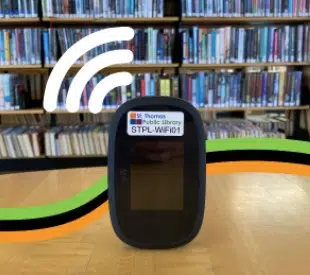
St. Thomas Public Library is giving residents the opportunity to access the internet from anywhere with the launch of their Wi-Fi Hotspots service.
These pocket-sized devices that can be borrowed from our local library, enable people to connect to the internet even if they don’t have service at home or on the go.
The 20 available Wi-Fi Hotspots can be borrowed from the library for a period of three weeks, with a limit of one device per household at a time.
Simply ask to borrow a Wi-Fi Hotspot at the Main Level Desk or place one on hold through the library’s website.
How Do I Use a Wi-Fi Hotspot?
Get connected to the Internet in a few simple steps:
- Turn on the device by holding the power button.
- On your phone, tablet, laptop, or other device, go to the settings for Network or Internet.
- In available Networks, look for one named STPL-WiFi, followed by a number, and select that network.
- Enter the network password – this is located on the underside of the lid of the Wi-Fi Hotspot’s container.